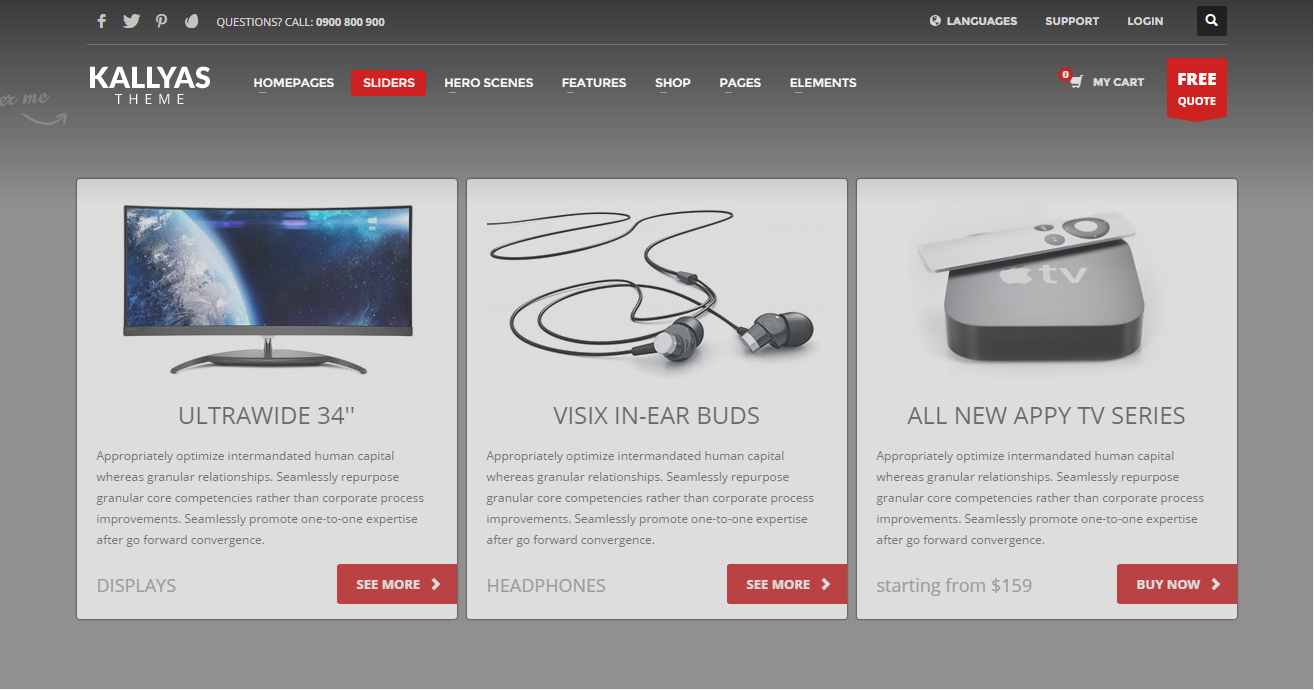
Circular Content Style 1
Create and display a Circular Content Style 1 element
Options#
Option nameDescription
| Slide height | Please enter a height number in pixels ( for example : 450 ) |
| Autoplay carousel? | Does the carousel autoplay itself? |
| Timout duration | The amount of milliseconds the carousel will pause |
| Slides | Here you can create your Circular Content Slides. |
| Element Background Style | Select the background style you want to use for this slider. Please note that styles can be created from the unlimited headers options in the theme admin’s page. |
| Background Source Type | Please select the source type of the background. |
| Background image | Please choose a background image for this section. |
| Slide Video Youtube ID | Add an Youtube ID |
| Mp4 video source | Add the MP4 video source for your local video |
| Ogg/Ogv video source | Add the OGG video source for your local video |
| Webm video source | Add the WEBM video source for your local video |
| Video poster | Using this option you can add your desired video poster that will be shown on unsuported devices. |
| Autoplay video? | Enable autoplay for video? |
| Loop video? | Enable looping the video? |
| Start mute? | Start the video with muted audio? |
| Video controls | Enable video controls? |
| Video controls position | Video controls position in the slide |
| Background colored overlay | Add slide color overlay over the image or video to darken or enlight? |
| Overlay background color | Pick a color |
| Overlay’s opacity. | Overlay background colors opacity level. |
| Overlay Gradient 2nd Bg. Color | Pick a color |
| Gradient Overlay’s 2nd Opacity. | Overlay gradient 2nd background color opacity level. |
| Bottom masks override | The new masks are svg based, vectorial and color adapted. Disclaimer: may now work perfectly for all elements! |
Example#